
.svg)
.svg)

.png)
.png)

.svg)
.svg)
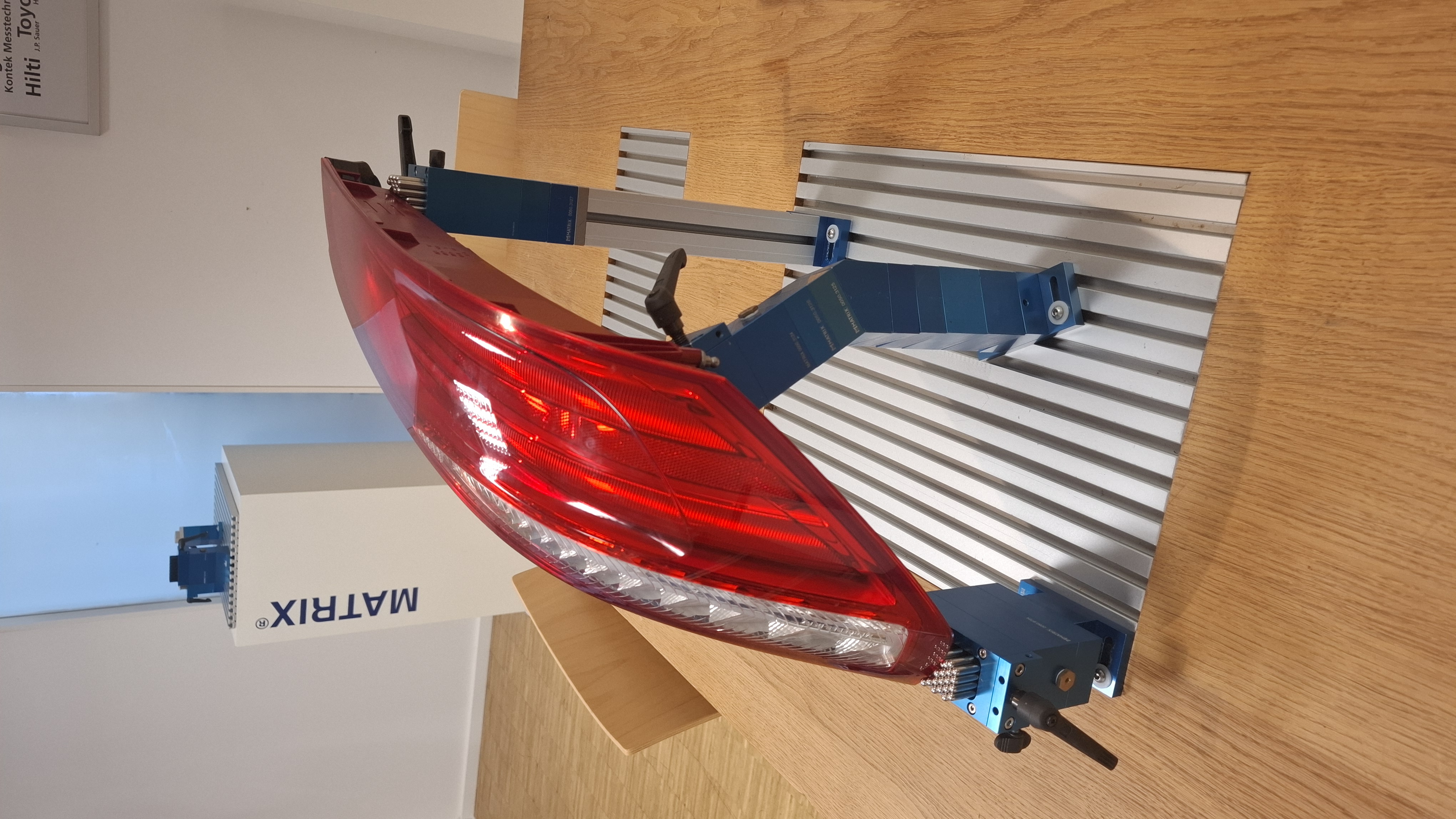
Making modular fixtures programmable: Flexible holders for assembly and measurement technology with the MATRIX kit and FLEXSTATION
In many manufacturing plants, fixtures are a silent bottleneck: They cost money, require space, can often only be used for one variant — and every change in geometry entails new hardware. At the same time, the variety of variants is increasing: more product families, shorter batch sizes, more frequent model changes.
The central question is therefore:
How do you build a fixture with a modular kit that can be quickly and reproducibly adjusted to new components using CAD data — without having to design a new image every time?
Challenge: Type-specific fixture scale poorly
Many assembly and testing processes still follow the same pattern today:
- A separate fixture is designed for each component (or variant).
- This is manufactured, measured, driven in and approved.
- When changes are made to the component (new radii, different contours, new attachment points), the fixture is adapted or replaced.
It works — but with a wide range of variants, it becomes expensive and slow. Typical effects:
- Engineering effort: Design, drawing coordination, supplier communication
- Lead time: weeks until the fixture is ready for use
- Set-up times: Changeover between types costs time and creates potential for errors
- Warehousing & logistics: Fixture must be stored, managed, cleaned and recovered
- Scale: More variants quickly mean a lot more hardware
Especially in areas such as assembly, manual work stations, pre-assembly, quality testing or rework/spare parts production, the fixture is often what limits the flexibility of the line.
The next step after custom construction: modular fixtures
Many companies have already grown beyond traditional custom construction and use modular fixture systems:
- Grid plates/base plates
- standardized holders, towers, supports, hold-down holders
- reusable items that can be reconfigured
That is a big step forward: less single-use hardware, more reuse, faster adjustments. In practice, however, one problem often remains: The configuration is often manual and depends heavily on experience, availability and “trial & error.” And as soon as components have larger tolerances (e.g. injection molding), it quickly becomes “workaround-heavy” — shimming, simulating, improvising.
How does a modular construction kit become a truly programmable, reproducible fixture?
The approach: Programmable fixture = modular system + CAD + FLEXSTATION
The core of the concept is simple:
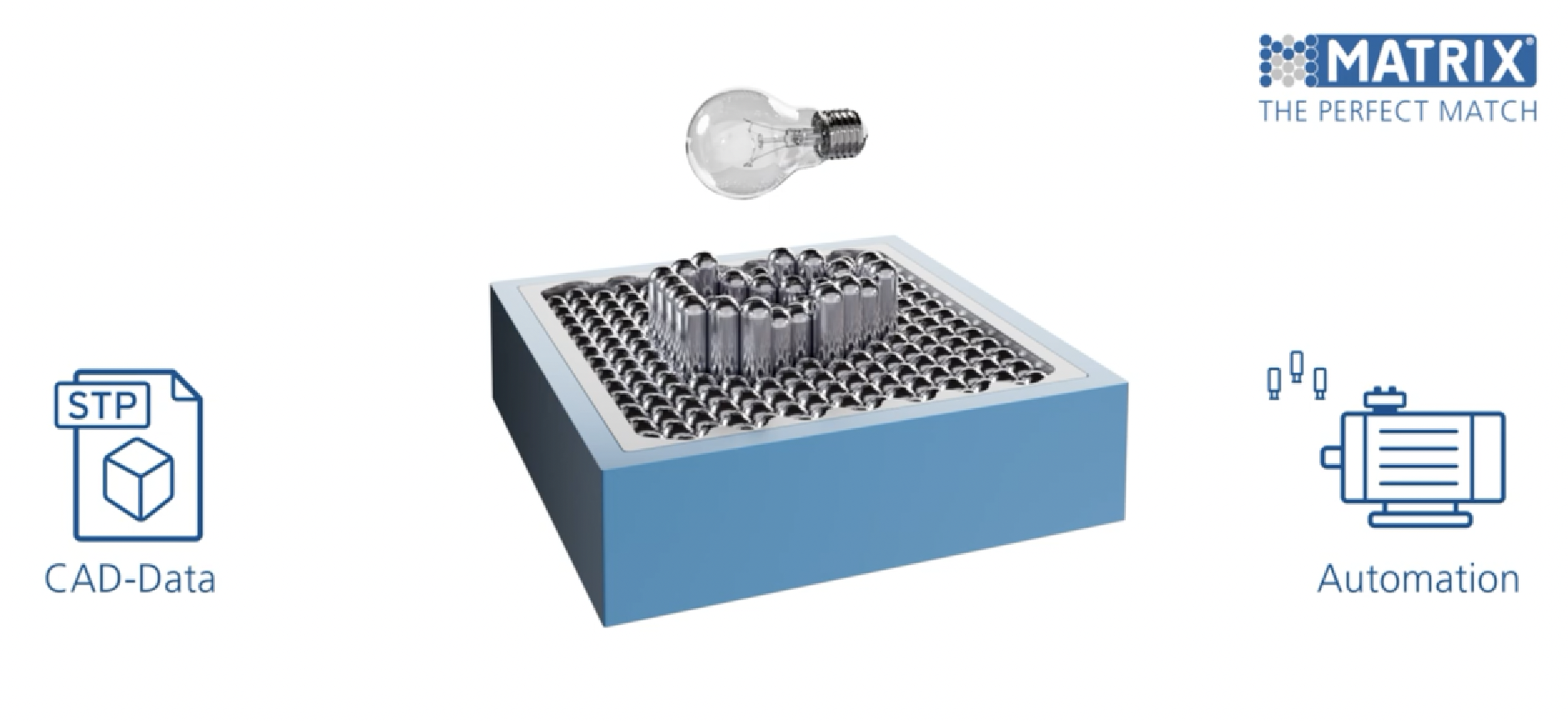
- Design a fixture in CAD (support points, component position, module positions).
- Have pin positions calculated automatically (per module).
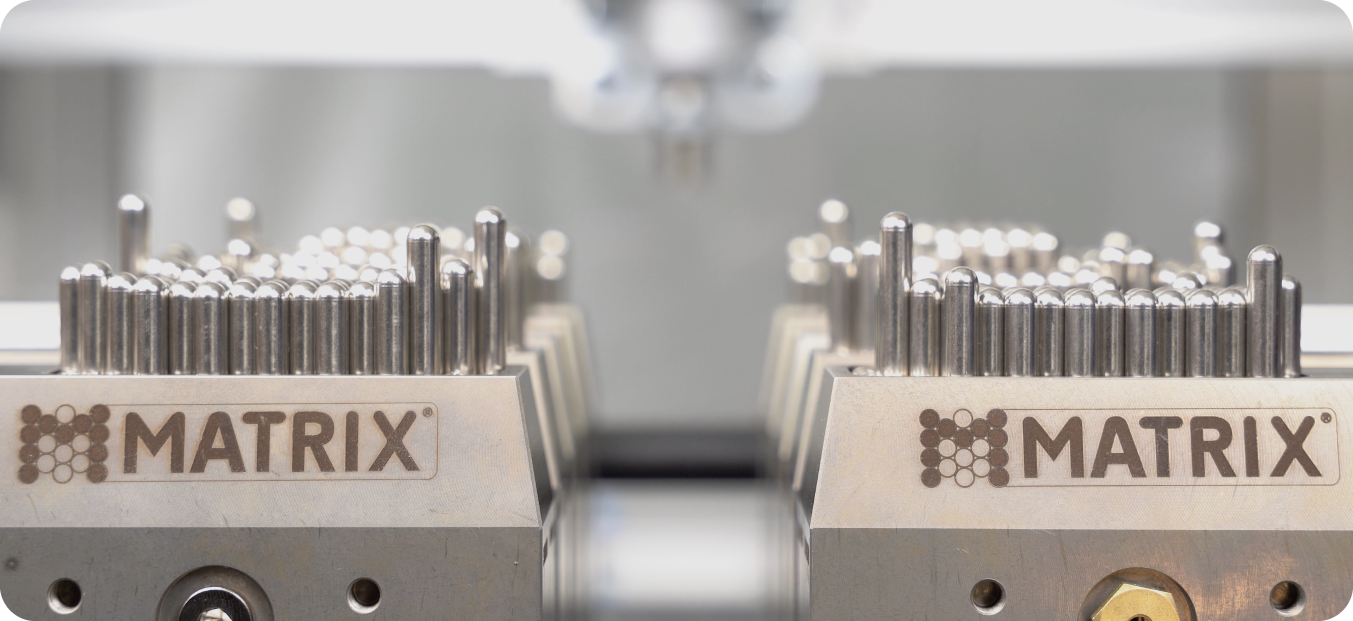
- Settings via the FLEXSTATION transferred to master items.
- Contour on the MATRIX Transfer modules from the fixture (manually via master — or process-integrated in perspective, depending on the setup).
- Optionally: Fine application to the real component when tolerances/distortions are greater (typical of injection molding or die casting).
The result: A modular fixture that is not “rebuilt” every time, but is set like a recipe — fast, repeatable and versatile.
Basic idea: Towers/modules instead of workpiece carriers
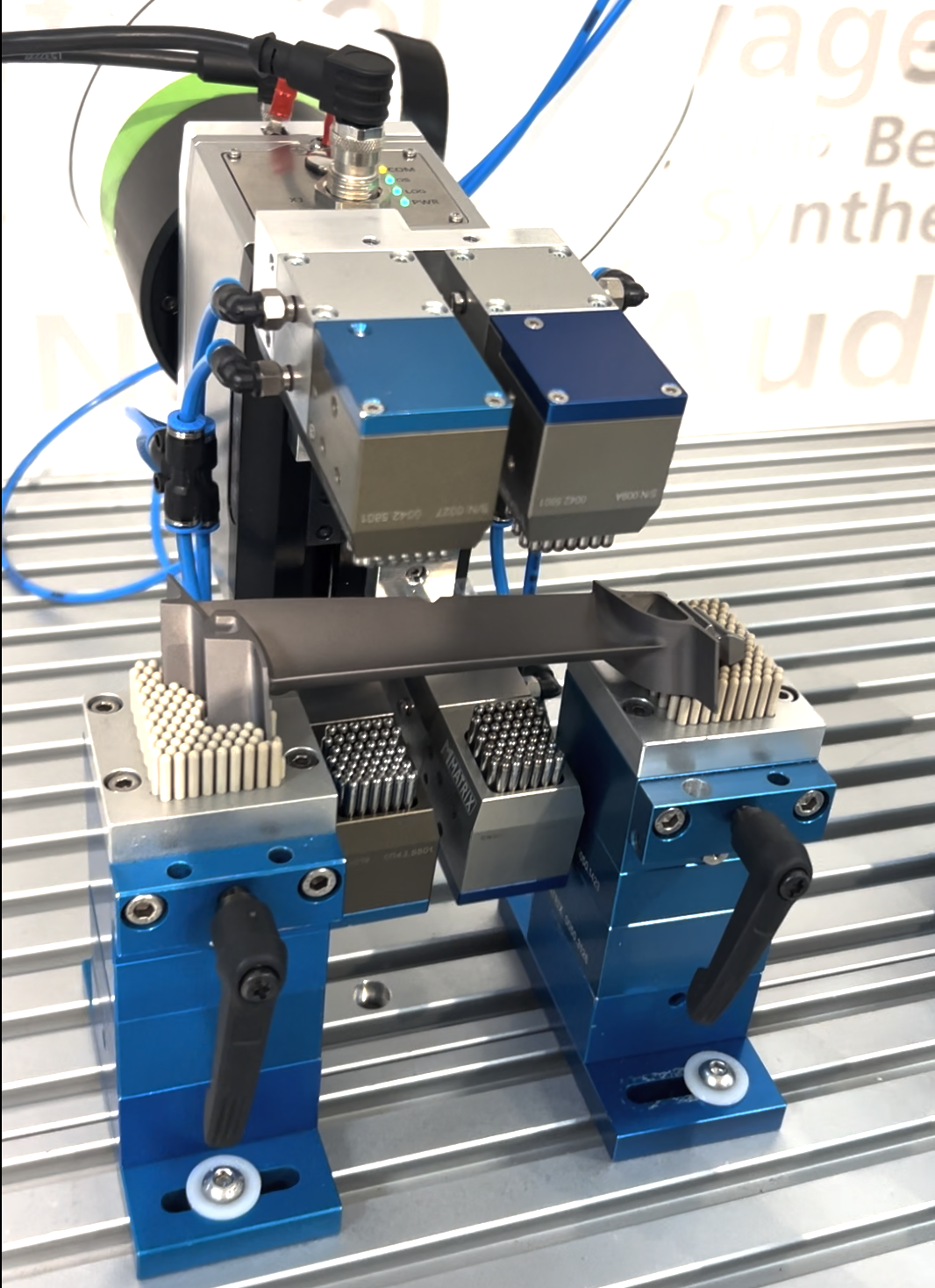
Instead of building a single large, component-specific carrier, the fixture is constructed from individual modules/towers:
- The base plate defines the grid (where which module is located).
- Each module provides a contoured support/support surface locally.
- All in all, the result is a stable, component-friendly mount.
This principle is particularly attractive for Assembly shots, manual workstations, Rework/spare parts areas And the Pre-positioning before downstream processes.
Step-By-Step: From CAD to Modular Fixture
1) Build a fixture concept in CAD
First, it is determined: In which position should the component lie? Where are suitable support points? How many modules are required? It is important to ensure a clean separation between the component cover (contour) and the fixture cover (grid).
2) Read in geometry and derive vertices
Based on CAD data (typically STEP/IGES/DXF), the contact contour is calculated. The aim is a defined, sustainable support that stably supports the component geometry.
3) Set master items via FLEXSTATION
FLEXSTATION automatically sets a pin layout. This setting is carried over to master items. This creates a defined “target form” for each module.
4) Contour transfer to MATRIX modules
The master outline is transferred to the modules of the actual fixture: Place the master at the top of the module, pins take over the position, lock.

5) Optional: Apply to the real component with large tolerances
For components with large tolerances (e.g. injection molding), there is a pragmatic solution: transfer the master mold, insert the component, briefly “relax” the fixture and re-lock it on the real part.
Specific benefits for manufacturing and industrial engineering
- Variant capability without new fixture construction: Transfer new types via CAD data instead of building hardware.
- Repeatability: The setting logic is digitized (recipes) instead of a “matter of feeling.”
- Quick introduction: No waiting weeks for new fixtures.
- Less hardware inventory: A basic structure covers many variants.
Typical application: A wide range of assembly fixtures
Today, a workplace often requires a type-specific fixture (investment approx. 10,000€). With several stations and product types, this effort multiplies massively.
With the modular-programmable approach, the logic is shifted: A basic mechanical structure is created once, the FLEXSTATION enables rapid “reprogramming” to new variants. This saves storage space, lead time and protects against errors during retooling.
The value for production teams: predictable, scalable, less friction
In manufacturing, this approach has the effect of relieving pressure:
- fewer special parts & fewer coordination loops
- less “Another fixture please...”
- more reuse & faster response to updates
Especially in environments with a wide range of variants, fixture construction often becomes a permanent construction site. Programmable modular fixtures significantly reduce this complexity.
Conclusion: The fixture becomes a recipe — not an individual piece
Instead of building a fixture for each variant, the result is a system that can be reproducibly adjusted using CAD data. The combination of modular construction kit, CAD calculation and FLEXSTATION turns a classic device problem into a repeatable process: less hardware, less set-up time, more predictability.

.svg)

.png "Footer Shadow")